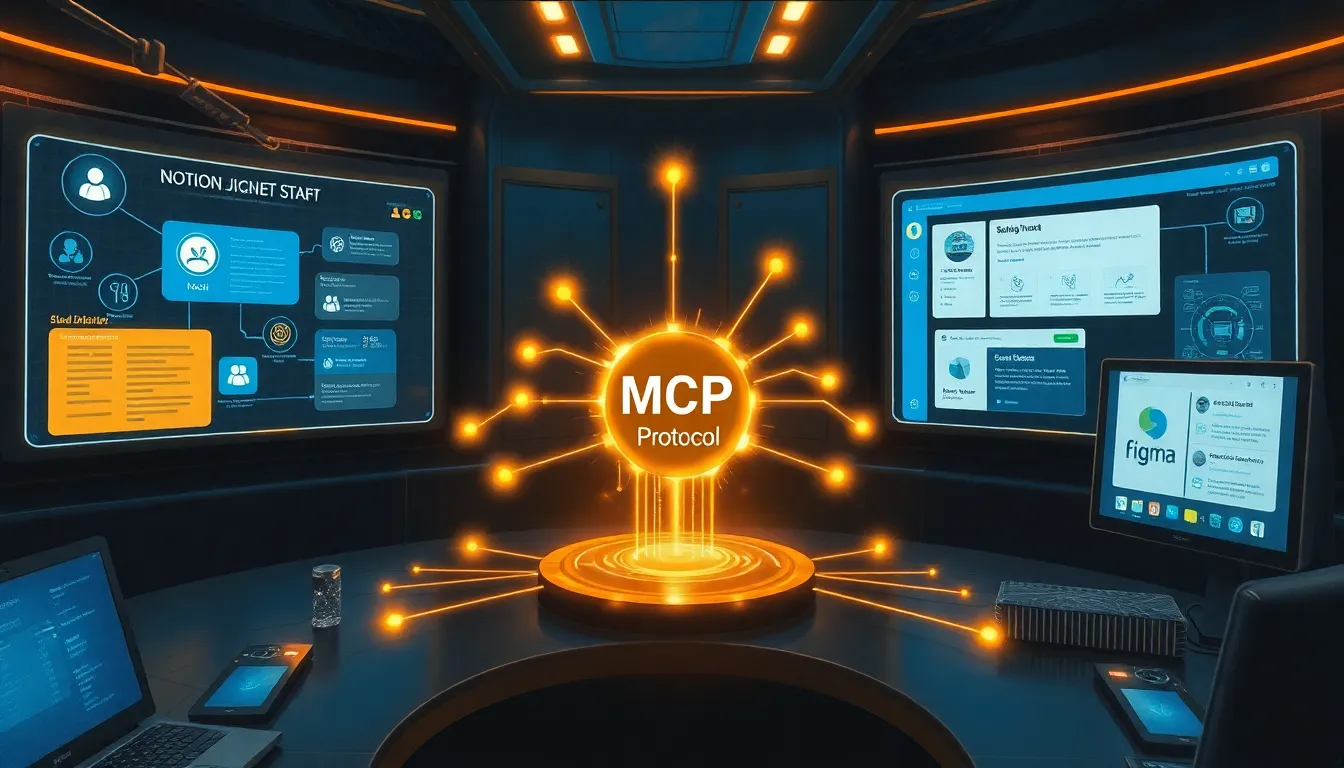
 # MCP Protocol from Anthropic: How ASI Bion AI Agents Integrate with Your Tools Imagine: you have an AI agent that can read your knowledge base in Notion, reply to messages in Slack, review code in GitHub, edit documents in Google Docs, and manage designs in Figma. Without switching between tabs. Without API keys for each service. Without programming integrations. This isn't science fiction. This is MCP — Model Context Protocol from Anthropic. ## What is MCP? MCP is an open protocol that standardizes how AI models connect to external tools and data. Simply put: it's "USB-C for AI agents." Previously, every developer wrote custom integrations for each service — their own code for Slack, their own for Notion, their own for GitHub. MCP introduces a single standard: connect the server once, and the AI agent works with the tool. As of early 2026, there are already over 500 public MCP servers. Anthropic, OpenAI, and Google DeepMind support the protocol. ## 5 Key MCP Servers for Business 1. **Notion MCP Server** The AI agent gains access to your Notion databases, pages, and documents. It can search for information, create notes, update project statuses — without manually digging through database structures. 2. **Slack MCP Server** Official server from Slack. Allows AI assistants to search messages, find information in channels, and reply in threads. The team can simply tell the agent: "Find the discussion about the contract with Ivanov in the #partners channel" — and get an answer in seconds. 3. **GitHub MCP Server** Access to repositories, issues, pull requests, and code reviews. The AI agent can analyze code, find bugs, create issues, and suggest fixes. For developers, this reduces code reviews from hours to minutes. 4. **Figma MCP Server** Read design tokens, components, and layouts. The AI agent can check UI compliance with guidelines, find inconsistent spacing or colors — without opening Figma. 5. **Google Drive / Docs MCP Server** Work with documents, spreadsheets, and presentations. The AI agent can create reports, find the needed file by context, and analyze data from Sheets. ## How It Works in ASI Bion Our AI agents use the MCP protocol to connect to client tools. You don't write integration code — simply connect the MCP server through our interface, and the agent starts working with your data. Example scenario: 1. A manager writes to the agent in Telegram: "Prepare a report on Project X" 2. The agent reads task statuses and documents via Notion MCP 3. It gathers discussion history via Slack MCP 4. It creates a report via Google Docs MCP and saves it to a folder 5. It checks if all issues for the project are closed via GitHub MCP All this — one request. Without switching between 5 applications. ## Why This Simplifies Development Before MCP, each integration was custom. The developer wrote code for a specific API, handled errors, authorization, and limits. With MCP, just run the server (often with a single `npx` command), and the AI agent already understands how to work with the tool. For business, this means: - Speed of AI agent deployment: days instead of months - Reduced development costs: no need to write integrations from scratch - Flexibility: you can switch AI providers (Claude, GPT, our agent) without rewriting integrations - Security: MCP works through permitted scopes; the agent doesn't get unnecessary permissions ## What's Next At ASI Bion, we actively use MCP to connect agents to client tools. Want to try it? Connect your Notion or Slack — and the agent will start working with your data in 5 minutes. The first 1500 tokens are on us. Try ASI Bion — https://asibiont.com/